
Gratis filverktyg i webbläsaren
Krymp
Gratis filverktyg. Ingen uppladdning, inget konto.
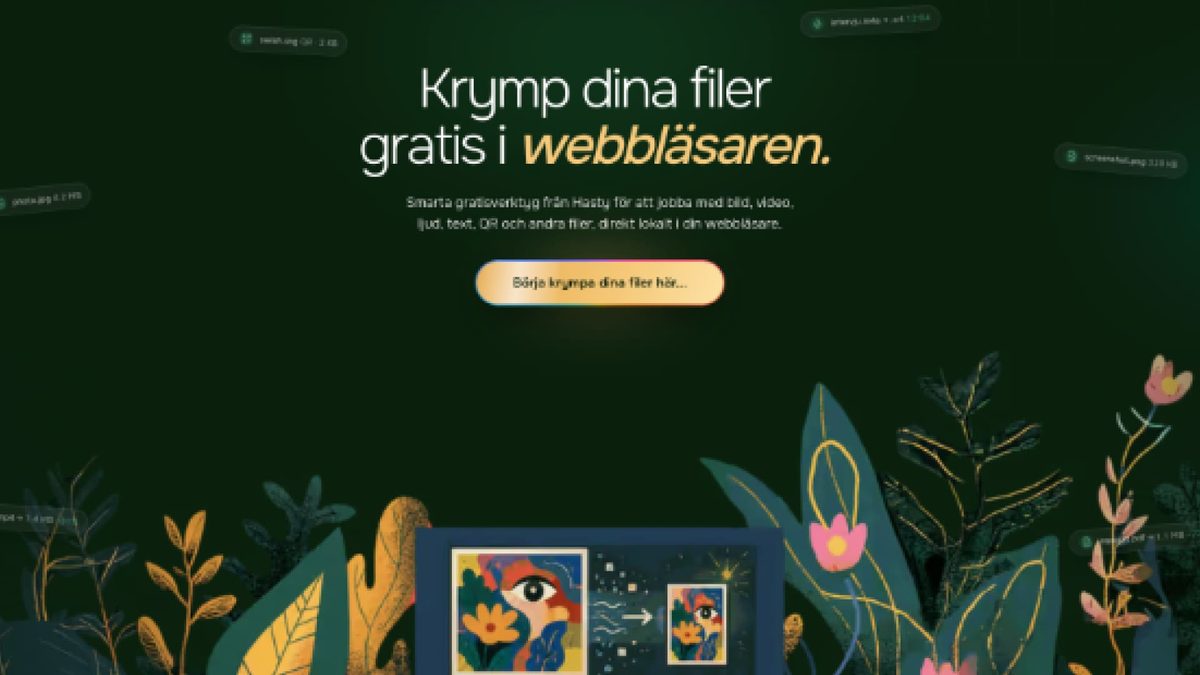 krymp.io
Krymp är en svensk verktygslåda med gratis filverktyg som körs helt i din webbläsare via WebAssembly — komprimera bilder och PDF, konvertera PDF till Word, Word till PDF, bild till PDF och generera QR-koder. Filerna lämnar aldrig din enhet. Inget konto, ingen e-post, ingen vattenstämpel, ingen filstorleksgräns.
- I.
Komprimera bilder (JPG, PNG, WebP) och PDF-filer
- II.
Konvertera PDF↔Word och bild→PDF utan uppladdning
- III.
Generera QR-koder för länkar, text och Wi-Fi
- IV.
Lokal bearbetning via WebAssembly — GDPR-säkert by design
För alla som snabbt behöver komprimera, konvertera eller generera en fil utan att ladda upp den till en utländsk molntjänst — privat, på svenska, i vilken modern webbläsare som helst.
Du behöver en pipeline på serversidan, ett enterprise-API för dokument eller OCR på skannade PDF:er — Krymp är en fokuserad verktygslåda i webbläsaren för vardagsfiler, inte en automationsplattform.
- Filer som bearbetas lokalt
- 0 uppladdas
- Verktyg i lådan
- 6
- Konto krävs
- Aldrig
- I.
Öppna krymp.io
Välj verktyget du behöver — komprimera bild, komprimera PDF, PDF till Word, Word till PDF, bild till PDF eller QR-kodsgenerator. Ingen registrering, ingen e-post.
- II.
Släpp in filen
Dra in filen (eller skriv texten för QR). Krymp kör jobbet lokalt i din webbläsare med WebAssembly — filen lämnar aldrig din enhet.
- III.
Ladda ner resultatet
Få den komprimerade, konverterade eller genererade filen på sekunder. Ingen vattenstämpel, ingen filstorleksgräns, ingen merförsäljning. Stäng fliken och inget sparas.
Vad kostar det?+
Gratis. Alla verktyg på krymp.io är gratis att använda utan konto, vattenstämpel eller filstorleksgräns.
Laddas mina filer upp till en server?+
Nej. Krymp körs helt i din webbläsare via WebAssembly. Filerna bearbetas lokalt på din egen enhet och når aldrig en Krymp-server.
Vilka verktyg ingår?+
Komprimera bilder (JPG, PNG, WebP), komprimera PDF, PDF till Word, Word till PDF, bild till PDF samt en QR-kodsgenerator — allt på svenska, allt gratis, allt lokalt.
Måste jag installera något?+
Nej. Krymp fungerar i alla moderna webbläsare på dator och mobil. Ingen app, inget tillägg, inget konto.
Öppna Krymp idag.
Live och i drift. Inget säljsamtal krävs — gå direkt till verktyget, eller skriv till teamet om du vill ha en genomgång först.
Drivs av Norrhavet
Ett verktyg i Norrhavet-kabinettet.
Krymp publiceras och drivs av Norrhavet på krymp.io som en gratis publik nyttighet. Allt körs lokalt i webbläsaren — inga uppladdningar, inga konton, ingen spårning. Krymps brand-sida på norrhavet.com är auktoritets-hubben; själva produkten ligger på krymp.io.
/tool/krymp · Operated by Norrhavet · krymp.io